
AI Rap Duo Video Generator
Two selfies in, a rap duo video out in about four minutes. No app, no filming, just add your photos.
17 credits · 1 video Failed renders: credits returned
Photo 1 · You
Tap to add a clear selfie
Photo 2 · Your duo
Tap to add a clear selfie
Clear, front-facing photo of an adult who agreed, one person each. No celebrities, minors or nudity. Rules
We write the verse from this line: a name and one detail make it personal. Leave it empty and it is written for the occasion you picked.
This video: 17 credits · Sign in with Google to create your video · Paid credits required, no free trial
By pressing “Make our rap video” you confirm you are 18 or older, you have permission from everyone in the photos, and you agree to the Terms and Acceptable Use Policy.
Ready in about 4 minutes · Failed renders: credits returned
- No app or editing
- Original lyrics + beat
- Made for Reels & TikTok
- Failed renders return credits
Make a rap duo video with AI
WakePix is an AI rap video generator that puts two people into one rap performance. Upload a photo of you and a photo of a friend, and it renders a short rap duo video of the two of you, trading verses lip-synced to AI-generated vocals over a hip-hop beat.
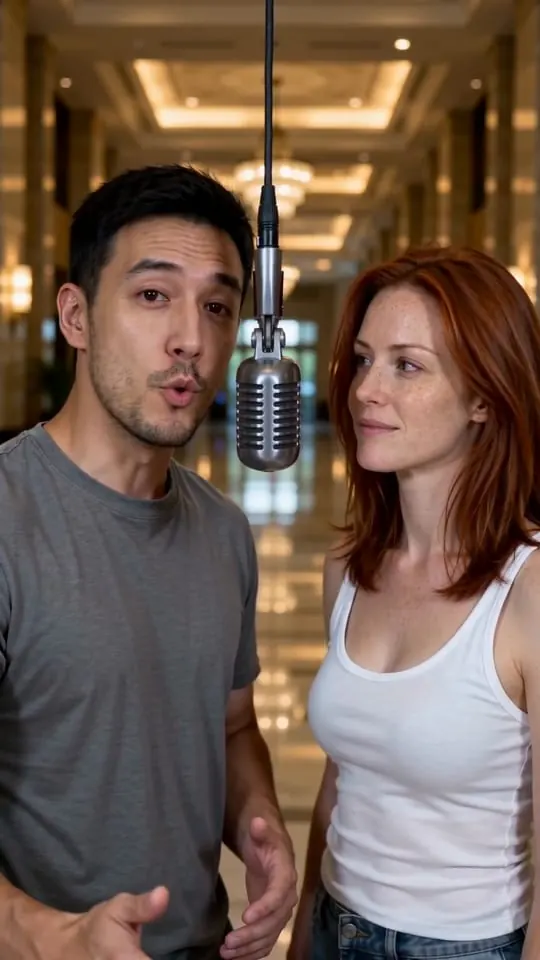
A hotel lobby style video, a two-person rap duet in a bright minimalist booth or a polished lobby, is easy to make with your own photos and your own topic. The photos do not need to be taken together, so friends in different cities can still make their video.
Every video is rendered with ByteDance’s Seedance 2.0 video models (the Fast and Standard options) with native audio, and optional lyrics are written by OpenAI’s GPT-5.2 (with Google’s Gemini 3 Pro as a fallback), in a vertical 9:16 format made for TikTok, Instagram Reels and YouTube Shorts. WakePix is an independent product operated by Clooms and is not affiliated with these model providers.
How to make a rap duo video with AI
Three taps, about four minutes, straight from your phone. No app to install, no prompt writing, no editing.
- 1
Add your photos
Add one clear selfie for each rapper (you and your friend, partner, sibling or coworker), or one photo with both of you in it. A single solo photo works too if you want to rap alone. Front-facing, well-lit photos work best.
- 2
Pick a stage and a topic
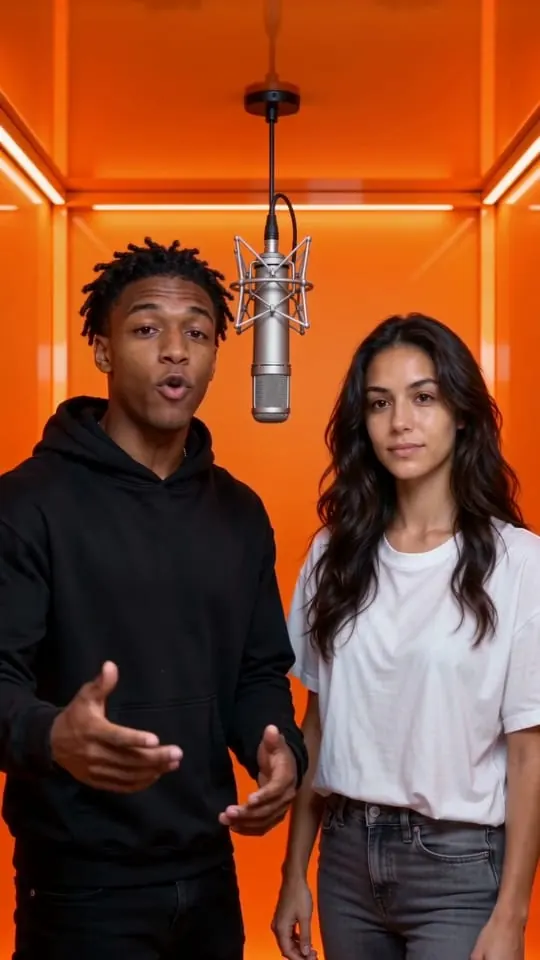
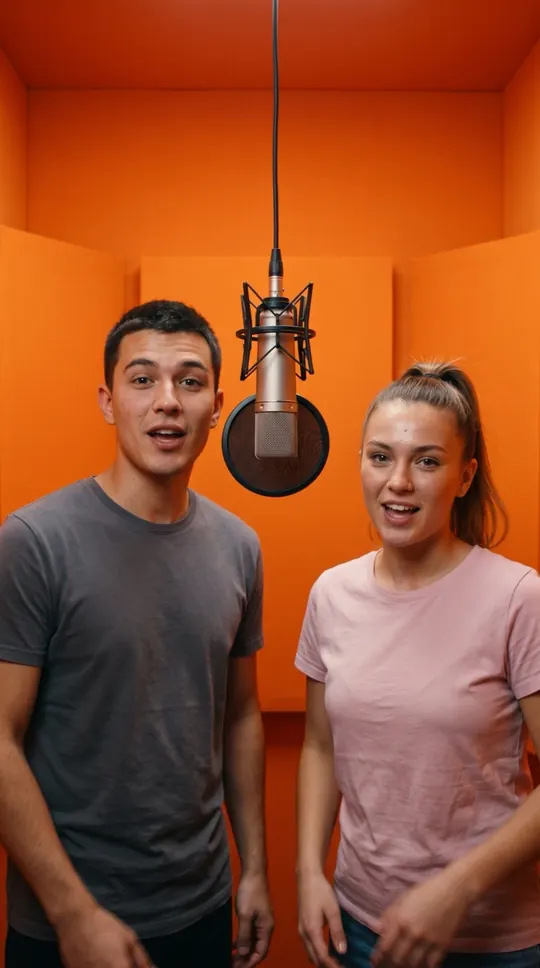
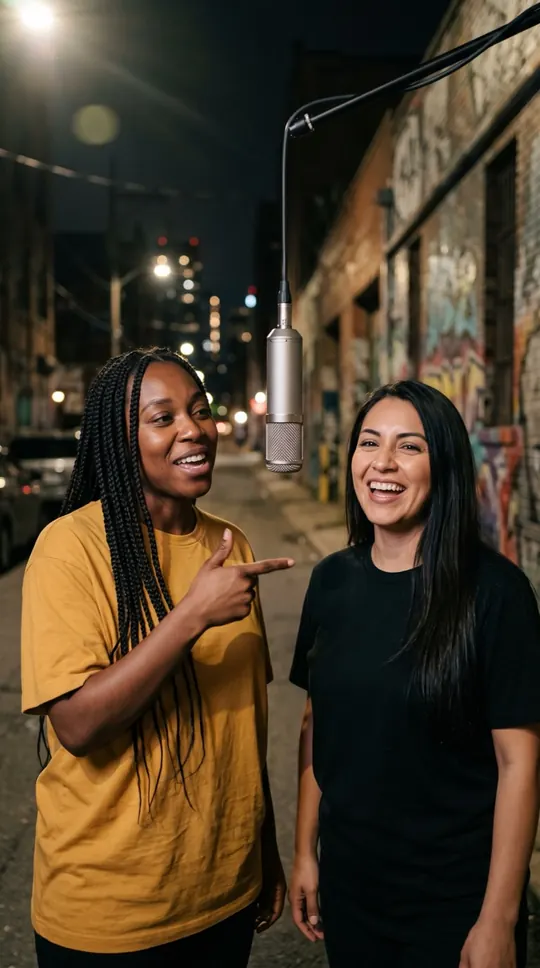
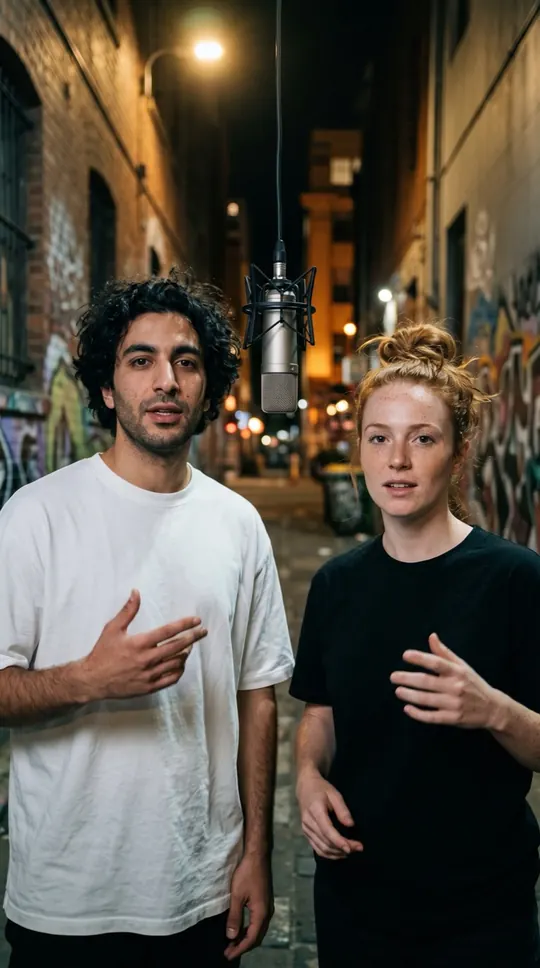
Choose the orange booth, luxury lobby, studio booth or street cypher. Optionally tell the AI what the rap is about: a birthday, an inside joke, your friendship.
- 3
Watch, download and share
Your rap duo video renders in about four minutes. Download the vertical HD file and post it to TikTok, Instagram Reels, YouTube Shorts or the group chat.
How these sample videos were made
Rendered on 30 September 2026 with ByteDance Seedance 2.0 Fast (the model behind the Fast option), 720p, 9:16, 12 seconds, audio generated in the same render, one attempt per video. The only edit was compression for the web: the files here are 540 × 960 and 12.1 seconds long.
| Stage | Photos used | Lyrics (person 1 · person 2) |
|---|---|---|
| Luxury Lobby | Two fictional adults in their early 30s (portraits generated with Seedream 5 text-to-image) | Marble floors and chandelier light, / you and me tonight, we shine so bright. · Take the mic, I’ll take the line, / one lobby, two of us, and the beat is fine. |
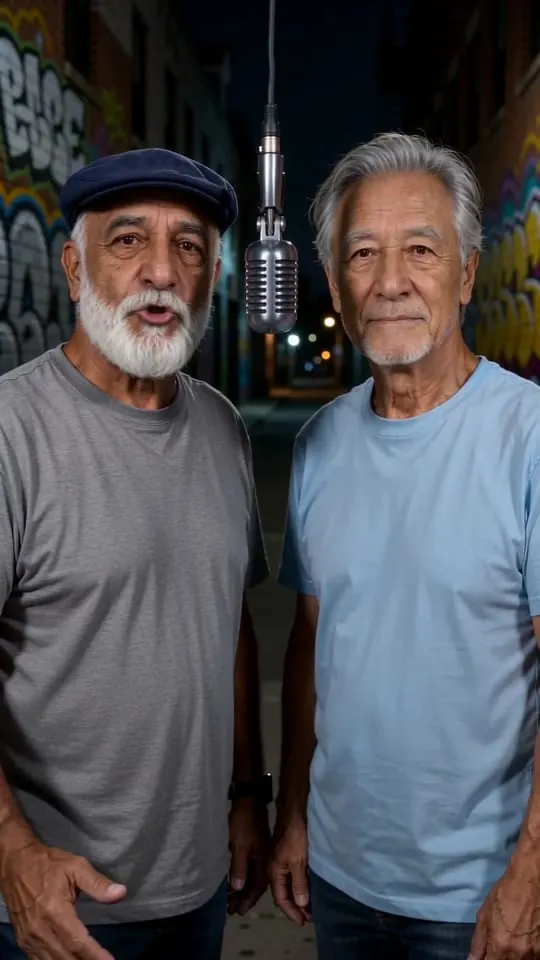
| Street Cypher | Two fictional men in their 60s (portraits generated with Seedream 5 text-to-image) | Two old friends on the street tonight, / we still got rhythm and the streetlights bright. · Grandkids laugh, but we own the floor, / sixty years of stories, and we came for more. |
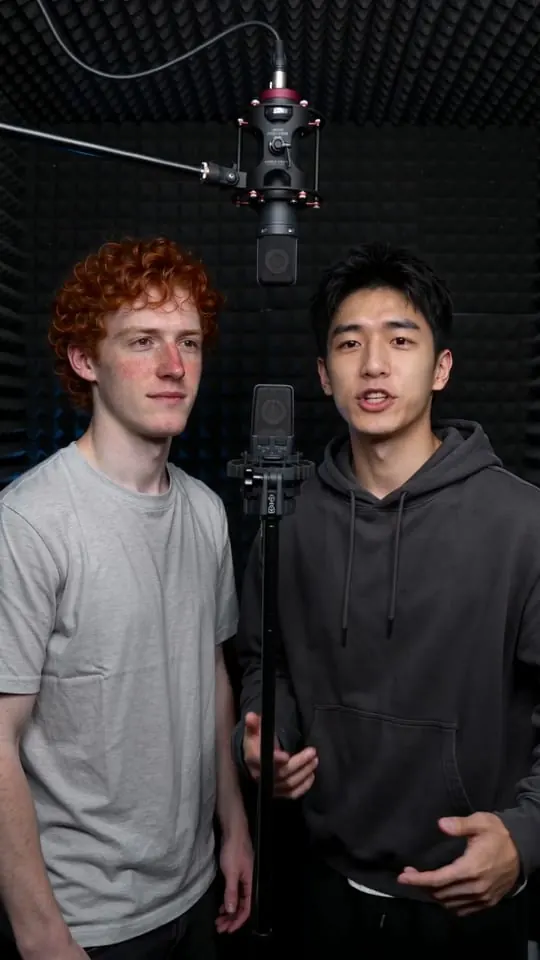
| Studio Booth | Two fictional men in their mid 20s (portraits generated with Seedream 5 text-to-image) | Happy birthday, my friend, it’s your day to shine, / I brought the beat, you bring the rhyme. · Another year older but still the crew, / cake on the table and the mic is for you. |
Source: the WakePix sample-video script and its render log, 30 September 2026. Your own video uses your photos and lyrics written from your topic, so results differ.
AI rap video tools
Each page opens the studio set up for one kind of video. Card pictures are AI-drawn illustrations of fictional people, not WakePix renders.
 AI rap generatorWakePix is an AI rap generator that writes the verse, performs it and puts the two of you on stage. Upload two photos, choose a stage and get a lip-synced rap duo video in about four minutes.Make this
 Birthday rap songTurn a birthday into a rap. Upload a photo of the birthday person and one of their best friend, set the topic to their big day, and WakePix makes a short rap video they can watch and share.Make this
 Rap duo name generatorType two names, pick a vibe and get instant rap duo name ideas. It runs in your browser, needs no sign-up, and you can turn your favourite name into a rap video below.Make this
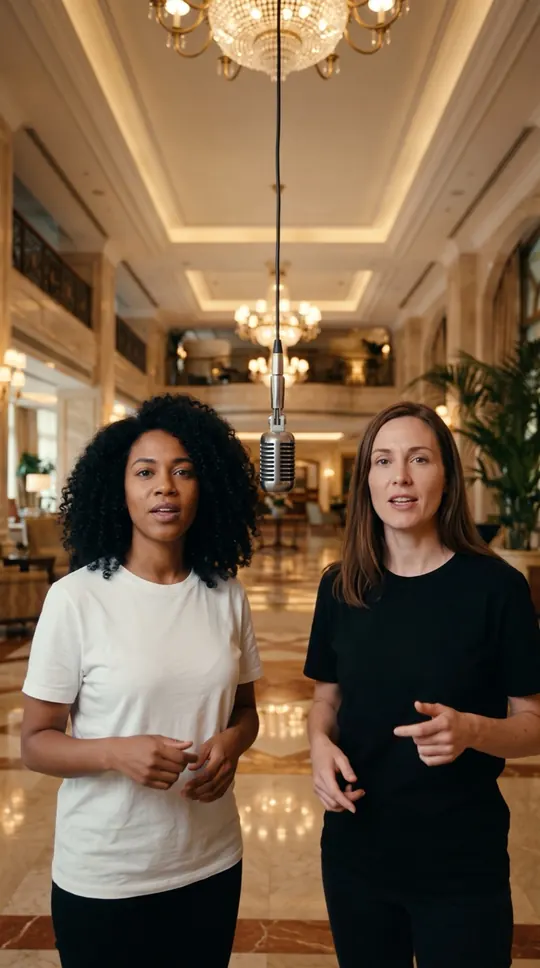 Hotel lobby AI videoA hotel lobby AI video is a short two-person rap duet in a clean, minimalist setting. WakePix makes one from two selfies: pick the Orange Booth for the classic bright-booth look, or the Luxury Lobby for marble floors and chandeliers.Make this
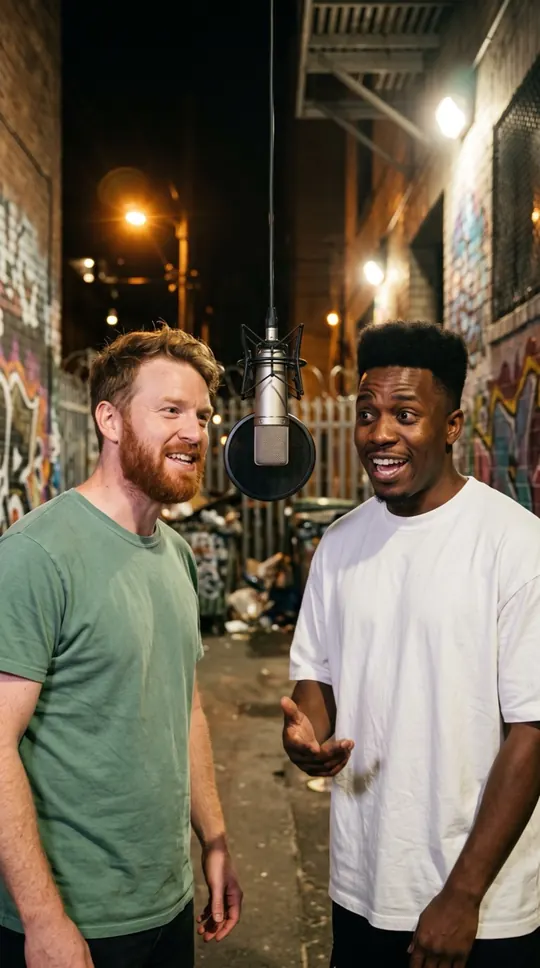 AI rap battle generatorPut two friends on one stage, facing off. Name the rivalry, and the AI writes the trade-off, performs it and lip-syncs both of you in a short vertical video.Make this
Safe, simple checkout
Merchant of Record
Purchases are sold through Link, Stripe’s checkout service, which acts as merchant of record and calculates and collects sales tax or VAT in the countries it supports.
Your card stays private
Card details are entered on Stripe’s secure checkout page; WakePix never sees or stores them.
One-time packs, no lock-in
Video packs are paid once and their credits never expire. Monthly plans are optional.
Failed renders: credits returned
If a video fails or times out, its credits come back automatically. See the refund policy for everything else.
Pay your way

 Apple Pay
 Google Pay
Available methods depend on your country and device.
AI rap duo video generator FAQ
What is WakePix?
WakePix is an online AI rap duo video generator. Upload one photo of you and one of a friend, and it makes a short vertical video of the two of you rapping together, with the lyrics, vocals, beat and lip-sync all generated by AI. No app, no filming, no editing.
How does the AI rap duo generator work?
You add two selfies, pick a stage and, if you like, type a topic to rap about. WakePix writes four rhyming lines, then a video model renders both of you performing them over a beat with matching mouth movement. It takes about four minutes.
How much does WakePix cost?
Creating an account is free, and so is setting up your video: adding photos, picking a stage and typing a topic. Rendering uses credits. A Fast video costs 17 credits and the higher-quality model costs 30. Try it once from $9.90 for one to three videos with credits that never expire, or subscribe monthly from $9.90 for a lower price per video.
Can I make a hotel lobby AI video with WakePix?
Yes. A hotel lobby AI video is a two-person rap duet set in a bright, minimalist booth or a polished lobby, made from photos instead of filming. WakePix has an orange booth and a luxury lobby stage for that look, with the two of you and original AI lyrics. The generator is instructed not to imitate any existing song, performer or show, and WakePix does not use original recordings of any song or performer.
Which AI models does WakePix use?
Videos are generated with ByteDance’s Seedance 2.0 video models: Fast for the best balance of speed and quality, and Standard for the highest quality. Optional lyrics are written by OpenAI’s GPT-5.2 (with Google’s Gemini 3 Pro as a fallback). WakePix is an independent product operated by Clooms and is not affiliated with these providers.
Which photos work best?
Front-facing, well-lit selfies with one person each. The two photos do not need to be taken together, so friends in different cities can still make a duo. You can also upload one photo of the two of you side by side, or one photo of yourself for a solo rap. Avoid sunglasses, heavy filters and photos with three or more people.
Can we choose what we rap about?
Yes. Type a short topic such as "our friendship" or "her 30th birthday" and the AI writes four clean, rhyming lines around it. Leave it empty and you get a fun default verse.
What language is the rap in?
English for now. Other languages are on the roadmap.
How long does it take, and how long is the video?
Rendering takes about four minutes. The video is 12 seconds, 720p, in a vertical 9:16 format made for TikTok, Instagram Reels and YouTube Shorts.
Can I post my AI rap duo video on TikTok or Instagram?
Yes, videos you make are yours to share. Videos carry an AI-generated tag in their file data (there is no visible watermark), and we ask you to keep an AI disclosure when you post, as platforms and some laws require. Paid videos have no watermark.
What happens if a video fails?
Credits for failed or timed-out renders are returned automatically: they go straight back to your balance and you can try again.
Can I use photos of other people?
Only if they have agreed. You must confirm that you have permission to use both photos and that everyone shown is an adult. Do not upload photos of celebrities, public figures, anyone under 18, or anyone who has not consented. NSFW content is not allowed. We remove content that breaks our Acceptable Use Policy and may close accounts.
Do credits expire, and can I get a refund?
Credits from Try-it-once purchases never expire. Monthly plans add new credits each billing month; credits you have not used by the end of that month expire and do not roll over. You can cancel any time: renewal stops right away, and credits you already received stay usable until the end of that billing month. Failed renders get their credits back automatically; see the refund policy for money refunds.
Are my photos kept private?
Your photos are used to render your videos and for an automated safety check. They are never published or sold, and uploaded photos are deleted automatically after 30 days. You can ask us to delete them sooner at any time.
Ready to make your rap duo video?
Your photos, one button, about four minutes. Credits are returned automatically when a render fails.
Make our rap video