
70s AI video: at a glance
- One photo of you is enough. Add a second photo, or one photo of you both, to do it together.
- Nothing to type: the 70s film scene and its original music come with the effect.
- A 12-second vertical 9:16 clip at 720p, ready in about four minutes.
- Only photos of yourself or of adults who agreed to appear. Failed renders are refunded automatically.
How to make a 70s ai video
- Add your photo. One clear, front-facing photo. Add a second one to do it with someone.
- Keep 70s film selected. This page opens the Effects tab with it already picked.
- Make the effect. Download the clip when it is ready and post it.
What happens in the 70s film clip
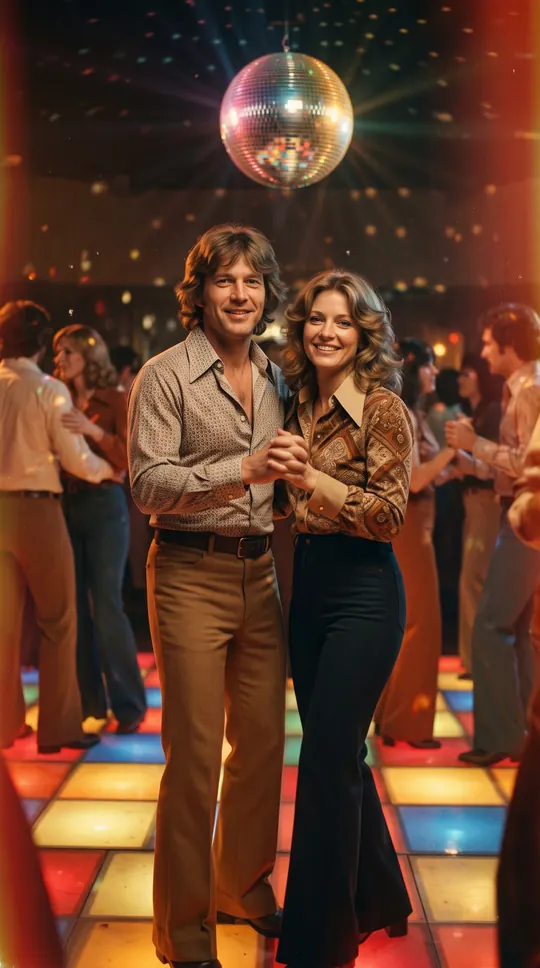
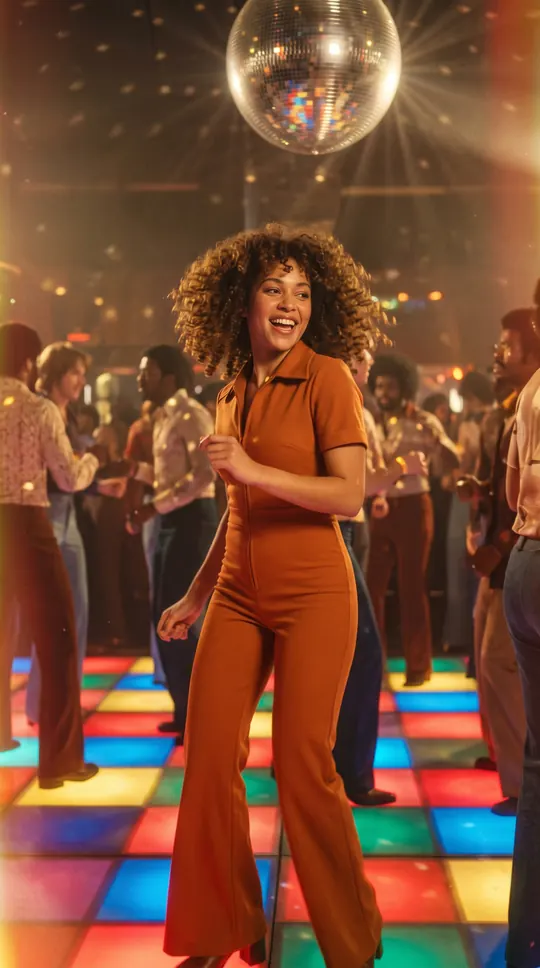
The picture turns warm and grainy, your outfit becomes plain 1970s fashion, and you dance under a spinning disco ball on a lit-up floor, smiling at the camera, to original disco funk.
When people use it
A themed birthday, a parents’ anniversary throwback, a disco party invite, or a "what if we met in 1977" couple post.
Photos that work best
Any clear photo works; the 70s look and outfit are added. The photos guide the characters; likeness may vary from render to render.
More effects
Every effect works the same way: photos in, a short wordless scene out. The effects page lists them all.
All AI video effectsMore ways to use it: 80s AI video, AI dance video or AI video effects.