
AI hug video: at a glance
- This effect needs two people: two photos, or one photo of you both side by side.
- Nothing to type: the Hug scene and its original music come with the effect.
- A 12-second vertical 9:16 clip at 720p, ready in about four minutes.
- Only photos of yourself or of adults who agreed to appear. Failed renders are refunded automatically.
How to make a ai hug video
- Add two photos. One clear photo of each of you, or one photo of you both.
- Keep Hug selected. This page opens the Effects tab with it already picked.
- Make the effect. Download the clip when it is ready and post it.
What happens in the Hug clip
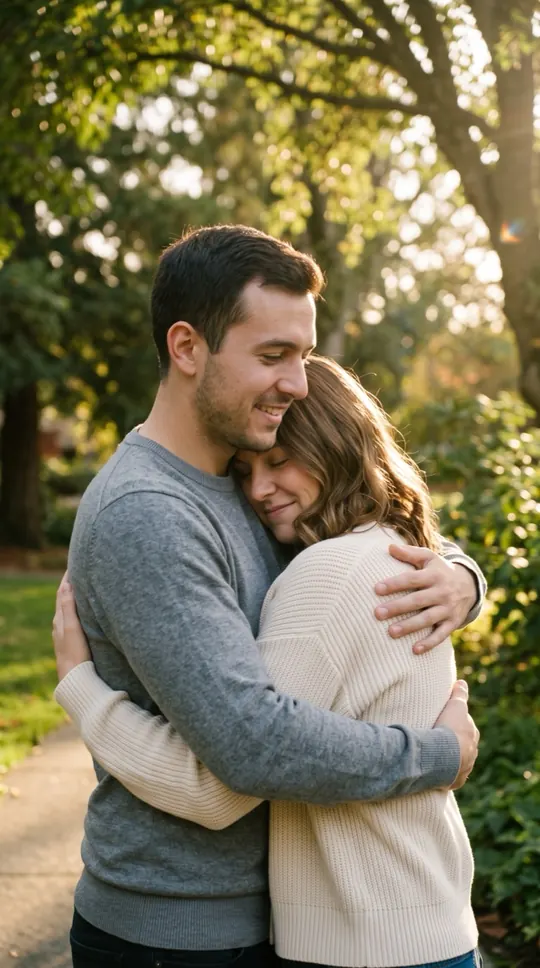
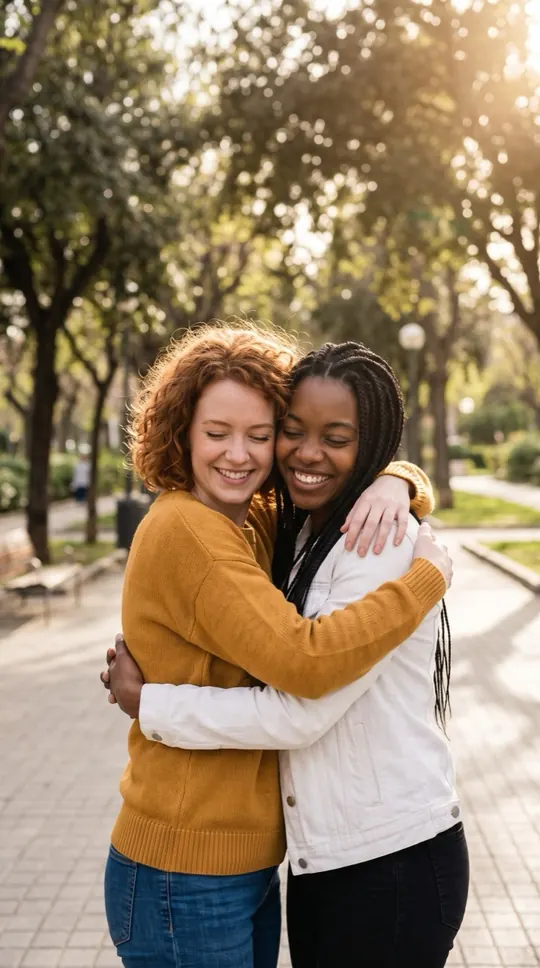
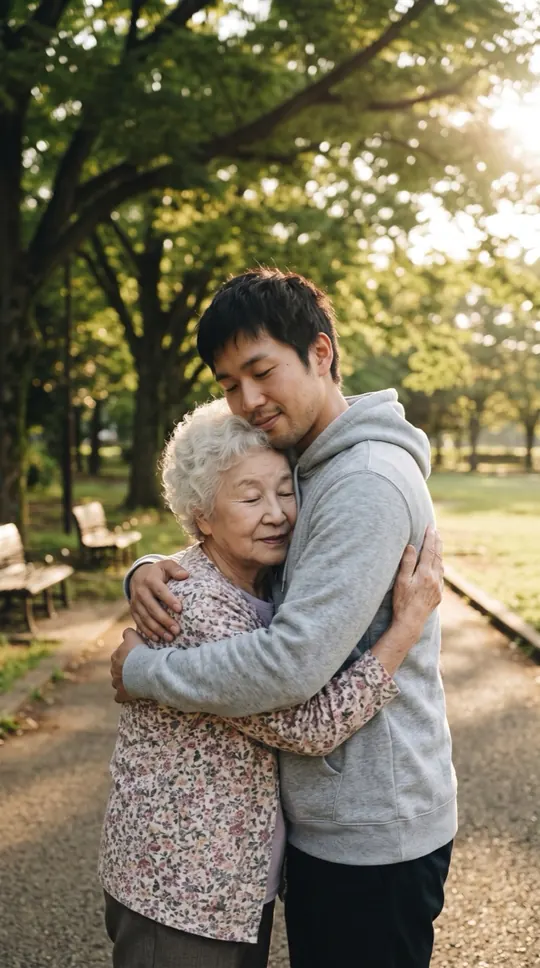
You stand facing each other on a park path in warm afternoon light. You both smile, step in and hold the hug, swaying gently while the camera drifts closer. It is calm and simple on purpose.
When people use it
Friends who live far apart, a couple between visits, siblings on a birthday, or a thank-you to someone who helped you through a hard year. It is a sweet clip for a message thread or a story.
Photos that work best
Use a clear photo of each person, facing the camera, with nothing covering the face. Similar lighting in both photos makes the two of you look like you stand in the same light. The photos guide the characters; likeness may vary from render to render.
More effects
Every effect works the same way: photos in, a short wordless scene out. The effects page lists them all.
All AI video effectsMore ways to use it: AI slow dance video, AI kiss video or AI zombie trend.