🎀 AI lip sync video

AI Lip Sync Video From Your Own Photo

Add a photo of yourself, or one of you and a friend, and WakePix writes an original verse, generates the vocals and the beat, and renders a short video where your mouth moves in time with every word. No audio file to upload, no timeline, no editing.

1 Add your photo

Your photo

Tap to add a clear selfie

One clear, front-facing photo. You rap the whole verse. No celebrities, minors or nudity. Rules

2 Pick the stage
3 Pick quality & length

We write the verse from this line: a name and one detail make it personal. Leave it empty and it is written for the occasion you picked.

This video: 17 credits Β· No sign-up needed Β· try it once from $9.90

By pressing β€œMake my lip sync video” you confirm you are 18 or older, you have permission from everyone in the photos, and you agree to the Terms and Acceptable Use Policy.

No sign-up needed Β· Ready in about 4 minutes Β· Failed renders are refunded

SoloSolo
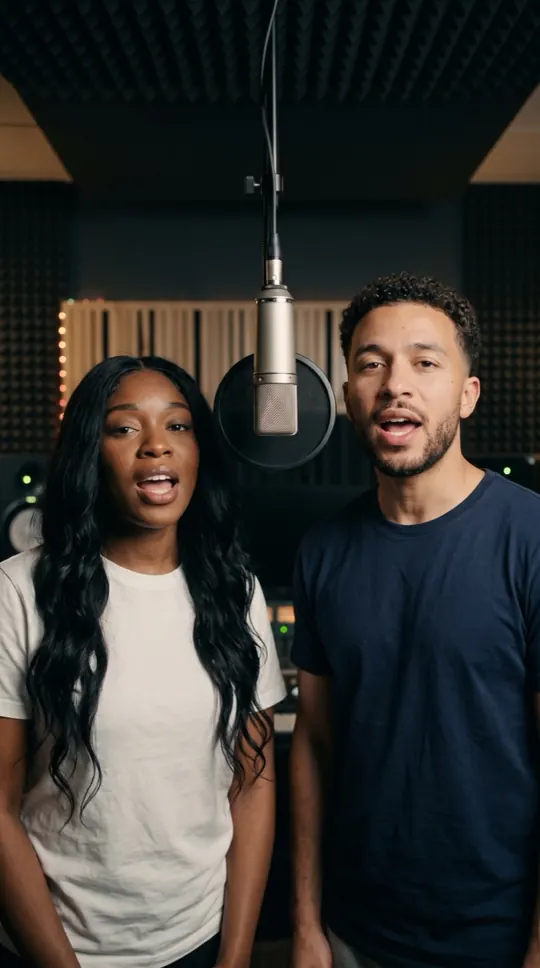
DuetDuet
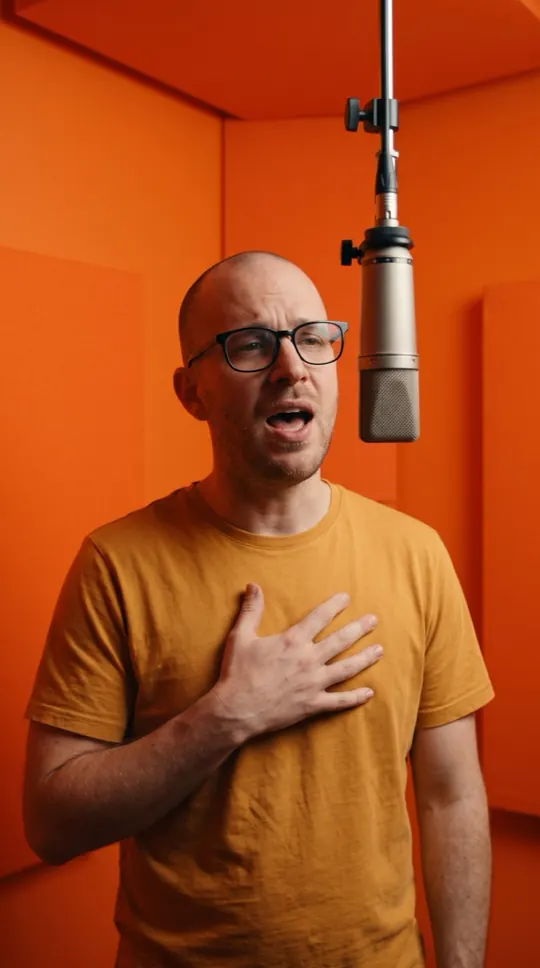
Play with soundOrange Booth
Play with soundLuxury Lobby
Made with WakePix

Real stages, made from two photos

Every sample here started as two photos and one tap. Fictional characters, AI-generated.

Orange Booth
Luxury Lobby
Street Cypher
Studio Booth

AI lip sync video: at a glance

  • The lyrics, vocals and beat are generated for you, then the video is lip-synced to them.
  • One photo for a solo, two photos (or one photo of you both) for a duet that trades lines.
  • Only photos of yourself or of adults who agreed to appear. No celebrities, no minors.
  • A 12-second vertical 9:16 clip at 720p, ready in about four minutes.

What lip sync means here

Most lip sync tools ask you for a voice recording and match a face to it. WakePix works the other way round: you type a short topic, the AI writes four rhyming lines and performs them, and the video model renders the person in your photo rapping those lines with matching mouth movement. You do not need to record anything.

Solo or duet

Choose Solo and one photo raps the whole verse. With two photos, or one photo of you both side by side, each of you takes two lines, which reads like a real duet. The first person in the photos always starts.

Photos that sync best

A sharp, front-facing photo with the mouth closed and nothing in front of the face works best: no sunglasses, hands or microphones covering the lips. Even light helps more than a high resolution. The photo guides the character; likeness may vary from render to render.

What it does not do

WakePix does not take your own audio file, does not speak plain dialogue and does not imitate any real singer or voice. It is made for short rapped verses from your own photos. Using photos of other people without their permission is against the rules.

Acceptable Use Policy

More ways to use it: AI rapper, AI video of yourself or AI music video generator.

FAQ

AI lip sync video: questions

Is there a free AI lip sync video generator here?

Setting up is free and needs no sign-up; rendering uses credits. A Fast video is 17 credits, and the one-time Try-it-once pack is $9.90. Failed renders are refunded automatically.

Can I upload my own voice or a song?

No. The vocals and beat are generated from the lyrics, which the AI writes from your topic. That also means no copyrighted song is used.

Can I make someone else’s photo sing?

Only with their permission, and never celebrities or minors. Every render asks you to confirm that everyone in the photos agreed.

How good is the sync?

The video model animates the mouth to the generated vocals; results vary by photo. Front-facing photos with a visible mouth work best.

How long is the video?

Twelve seconds, vertical 9:16 at 720p, made for TikTok, Reels and Shorts.

AI Lip Sync Video From Your Own Photo

Your photos, one button, about four minutes. Credits are returned automatically when a render fails.

Make our rap video