
AI pet dance video: at a glance
- One clear photo of your pet is enough: a dog, a cat or another pet, on its own with no people in the photo.
- Nothing to type: the Pet dance scene and its original music come with the effect.
- A 12-second vertical 9:16 clip at 720p, ready in about four minutes.
- Only photos of your own pet (or one you may use), with no people in them. Failed renders are refunded automatically.
How to make a ai pet dance video
- Add a photo of your pet. One clear photo of your pet facing the camera, with no people in it.
- Keep Pet dance selected. This page opens the Effects tab with it already picked.
- Make the effect. Download the clip when it is ready and post it.
What happens in the Pet dance clip
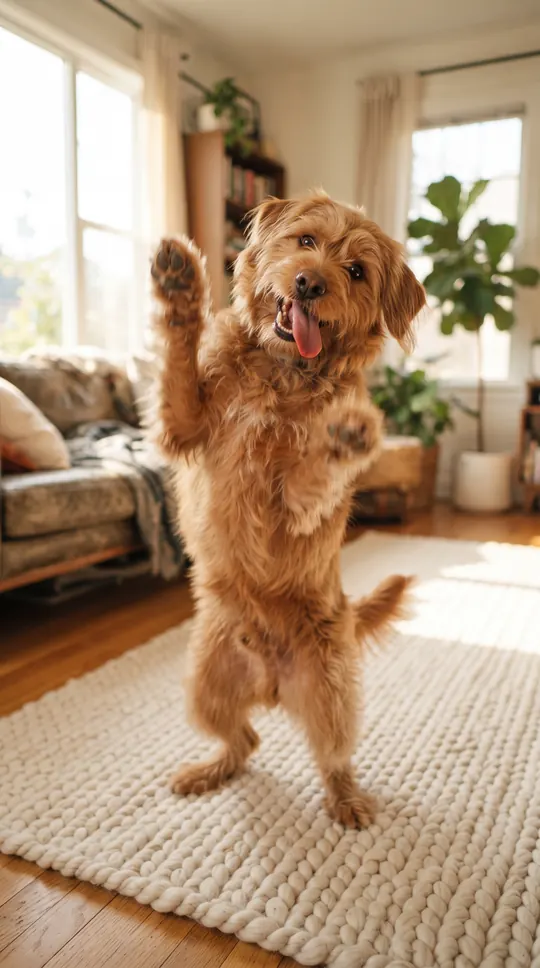
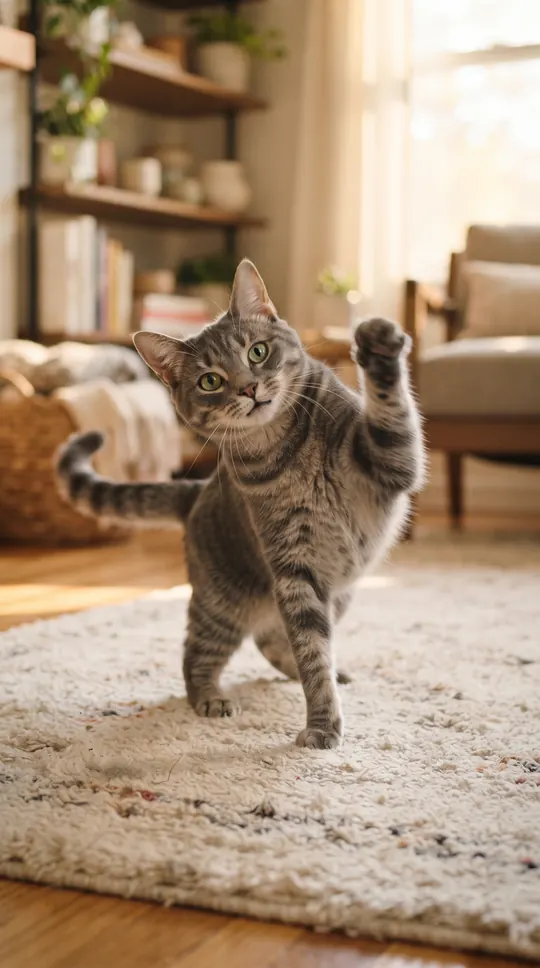
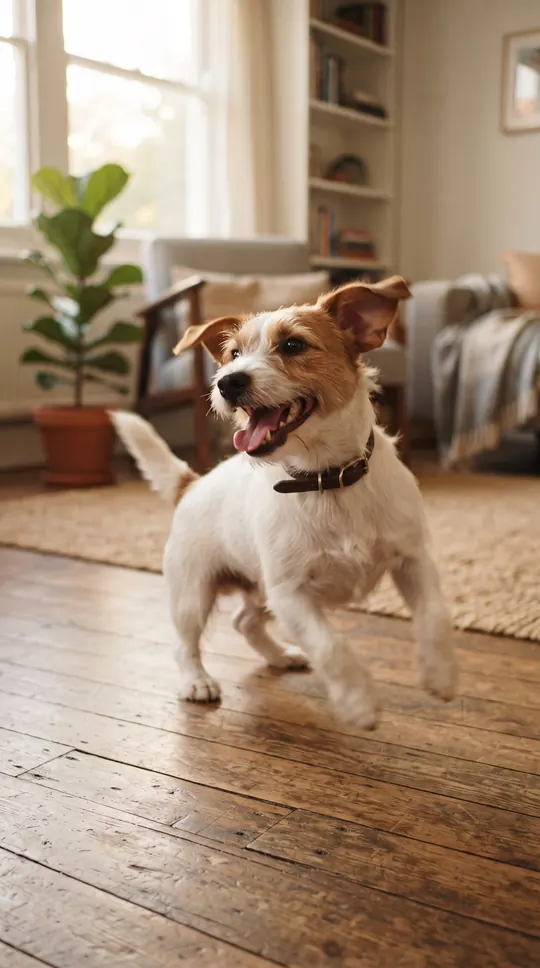
In a bright living room with a soft rug, the pet faces the camera and dances to the beat: head bobs, a side-to-side wiggle, a few happy hops, a playful spin and a proud final pose. It is one steady shot with no cuts and no people in it. The moves and the music are original to this effect, and AI results vary from video to video.
When people use it
A pet birthday post, a "gotcha day" clip, a funny message to the family group chat, or a cheerful reel for your pet's own account.
Photos that work best
Use a sharp, well-lit photo of one pet facing the camera, with its whole body or at least head and shoulders visible. The photo must show only the pet: photos with a person in them are not accepted. The photo guides how the pet looks; the result may vary from render to render.
More effects
Most effects are made for photos of people; the pet effects, Pet dance and Día de Muertos pet, take a photo of a pet. The effects page lists them all.
All AI video effectsMore ways to use it: AI dance video, Neon dance AI video or AI video effects.