
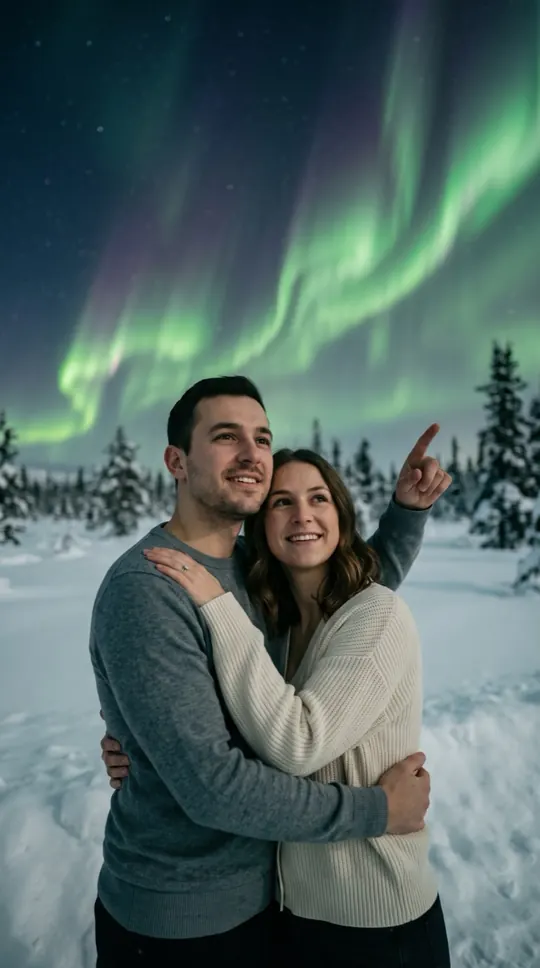
AI northern lights video: at a glance
- One photo of you is enough. Add a second photo, or one photo of you both, to do it together.
- Nothing to type: the Northern lights scene and its original music come with the effect.
- A 12-second vertical 9:16 clip at 720p, ready in about four minutes.
- Only photos of yourself or of adults who agreed to appear. Failed renders are refunded automatically.
How to make a ai northern lights video
- Add your photo. One clear, front-facing photo. Add a second one to do it with someone.
- Keep Northern lights selected. This page opens the Effects tab with it already picked.
- Make the effect. Download the clip when it is ready and post it.
What happens in the Northern lights clip
A snowy landscape at night, pine trees in silhouette, and ribbons of green light dancing overhead. You point up and smile while calm ambient music and soft wind play.
When people use it
A bucket-list post, a winter greeting, an anniversary for a couple who dream of the trip, or a peaceful story slide.
Photos that work best
A warm, smiling photo works best. Winter clothes are not needed in the photo. The photos guide the characters; likeness may vary from render to render.
More effects
Every effect works the same way: photos in, a short wordless scene out. The effects page lists them all.
All AI video effectsMore ways to use it: AI fireworks video, Earth zoom out AI or AI levitation video.