
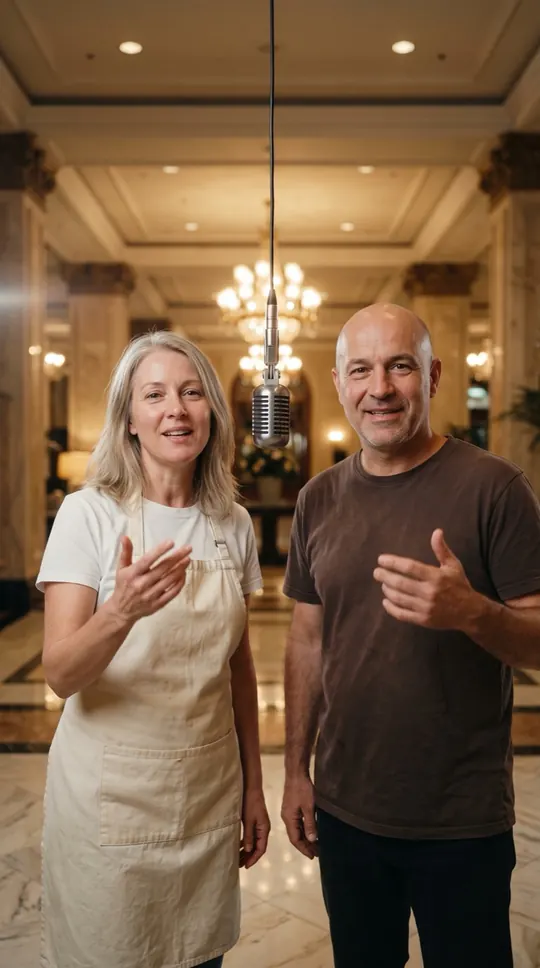
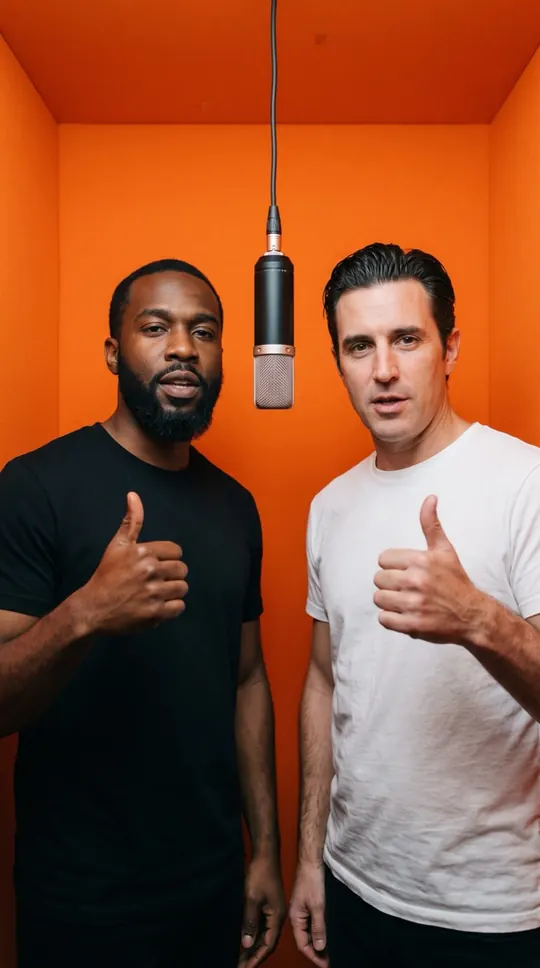
AI promo video for small business: at a glance
- Use photos of yourself or of staff who agreed to appear.
- Topic example: “Rosa’s Bakery, fresh sourdough every morning”.
- You get a 12-second 9:16 clip with lyrics, vocals and beat.
- No logo, price or link appears in the video; add those in your post caption.
A promo that stars the people behind the business
Customers like seeing who runs the place. A quick rap by the owner, or the owner and a coworker, is friendly, local and different from stock footage. It suits Reels, TikTok and the story slot on your business page.
How to make an AI rap commercial
Add one or two photos, pick a stage and write one sentence about the business: the name and what you are known for. Preview the lyrics for free, then render and download the MP4.
Tips for a promo that works
Lead with the shop name and one benefit. Put the offer, opening hours and link in your caption, where people can tap them. Post it with a clear call to action such as “come by this weekend”.
What it cannot do
It cannot show your logo, products, prices, address or URL in the video, and it does not let you edit individual lines. Read the lyrics before you post: the AI writes them, and you are responsible for any claims about your business.
Using it on your channels
You can download the video and post it on your own pages. Ad platforms have their own review rules for AI content, so check them before running it as a paid ad, and keep the AI-generated label.
More ways to use it: AI music video generator, Rap maker or AI rap generator.