
Photo to video AI: at a glance
- Input: one or two photos of a clear adult. Output: a 12-second 9:16 video at 720p.
- Two choices: a rap video (with lyrics, vocals and beat) or one of the Effects.
- It is not a free-form prompt-to-video tool; the scenes are set by the stage or effect you pick.
- About four minutes per video; failed renders are refunded automatically.
Turn a photo into a video in three taps
Add your photo, choose a stage or an effect, and press the make button. There is nothing to edit and no timeline. The finished video appears under My videos and downloads as an MP4.
What your photo can become
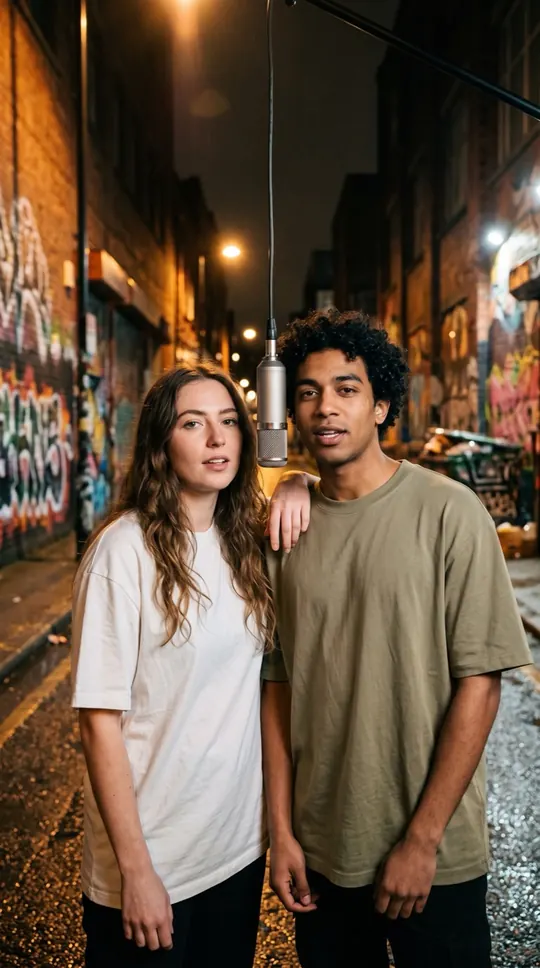
On the Rap video tab, the people in your photos perform a short rap with AI-written lyrics on the Orange Booth, Luxury Lobby, Studio Booth or Street Cypher stage. On the Effects tab, you pick a short wordless scene for one or two people, such as Hug, Earth zoom out or Rain dance.
See the AI video effectsWhich photos work best
A sharp, front-facing photo in good light, one person per photo, with the whole head visible. A photo of two people side by side also works if you choose One photo of both. Group shots, sunglasses and heavy filters make the result less clear.
Old or scanned photos
An older photo can work if the person is clear and the person is an adult who agreed to appear. WakePix does not restore, colorize or repair damaged photos, so a blurry or faded photo usually gives a weaker result.
What it does not do
You cannot type your own scene prompt, upload your own audio, or add text and logos. Objects alone are not supported. Every effect except the pet effects needs a clear adult person in each photo (Pet dance and Día de Muertos pet take a photo of a pet on its own), and celebrities and minors are rejected automatically.
More ways to use it: AI video of yourself, AI video effects or AI rap generator.